PC Services Optimizer 5
Microsoft Windows 11/10/8.1

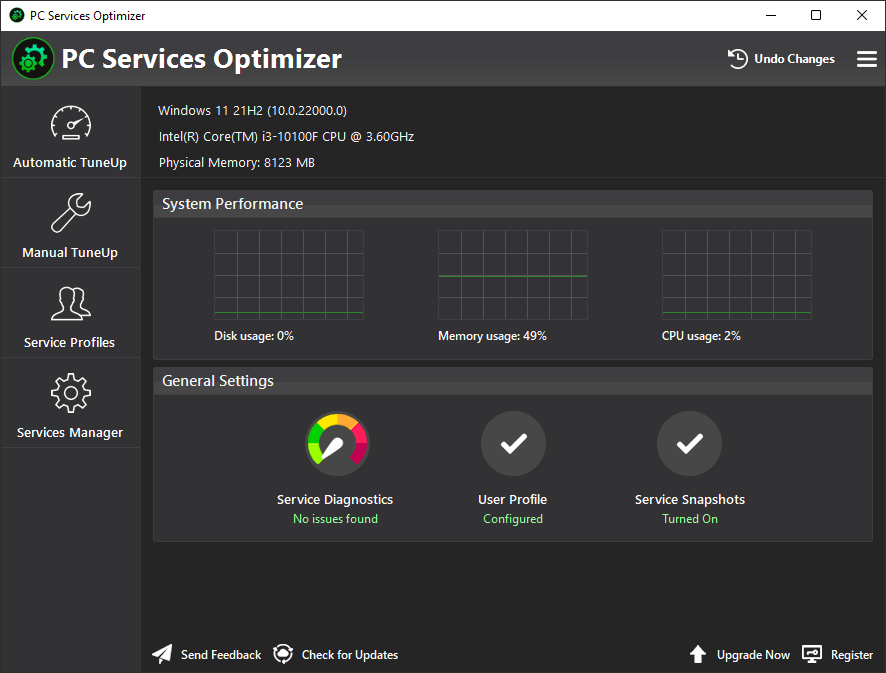
The Windows operating system comes with many background services running by default, most of which are unnecessary for everyday use. Having many Windows services running can slow down your computer and consume valuable system resources. PC Services Optimizer can address this problem by providing user-friendly options to optimize Windows service configurations, resulting in a smoother and more secure computing experience.
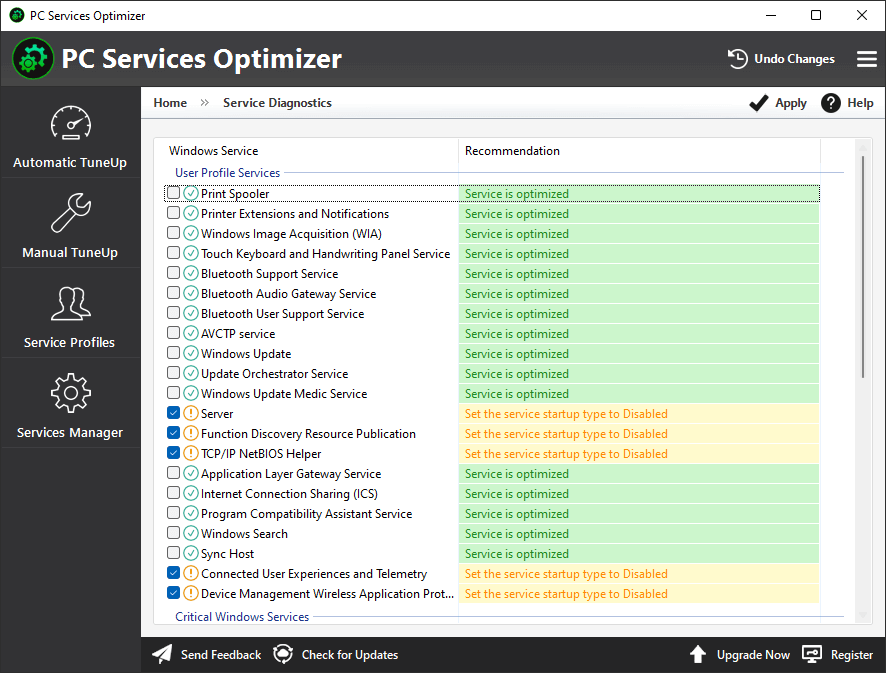
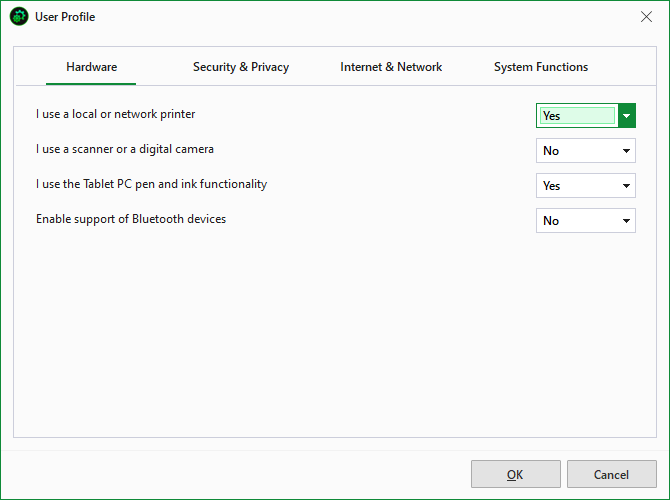
PC Services Optimizer enables users to optimize Windows services that are not essential for their computer usage. It does not require extensive knowledge of Windows services, as it automatically adjusts them according to the user's needs. The optimization process does not affect the system's normal operations but rather enhances its performance and stability.
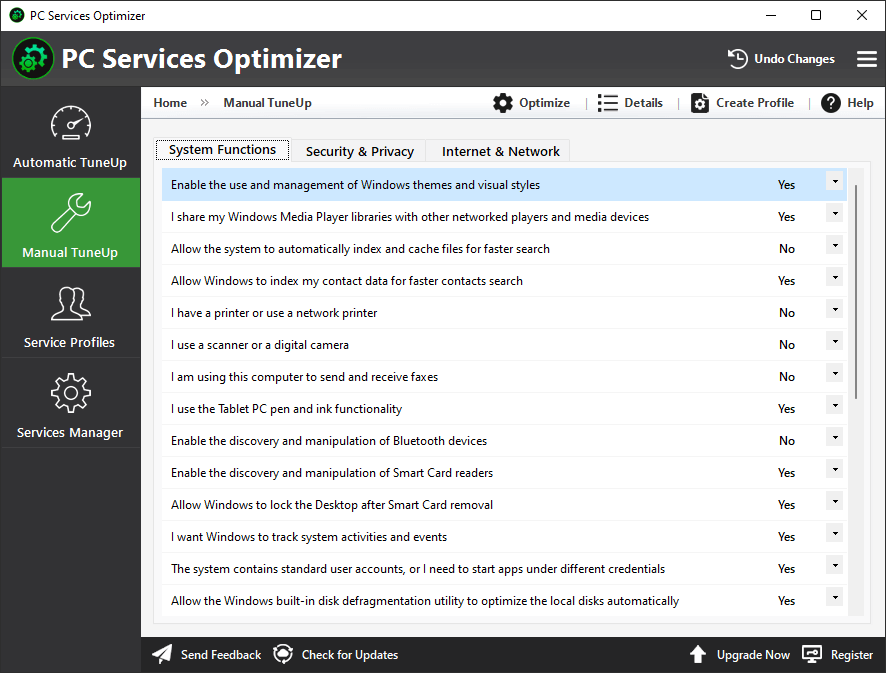
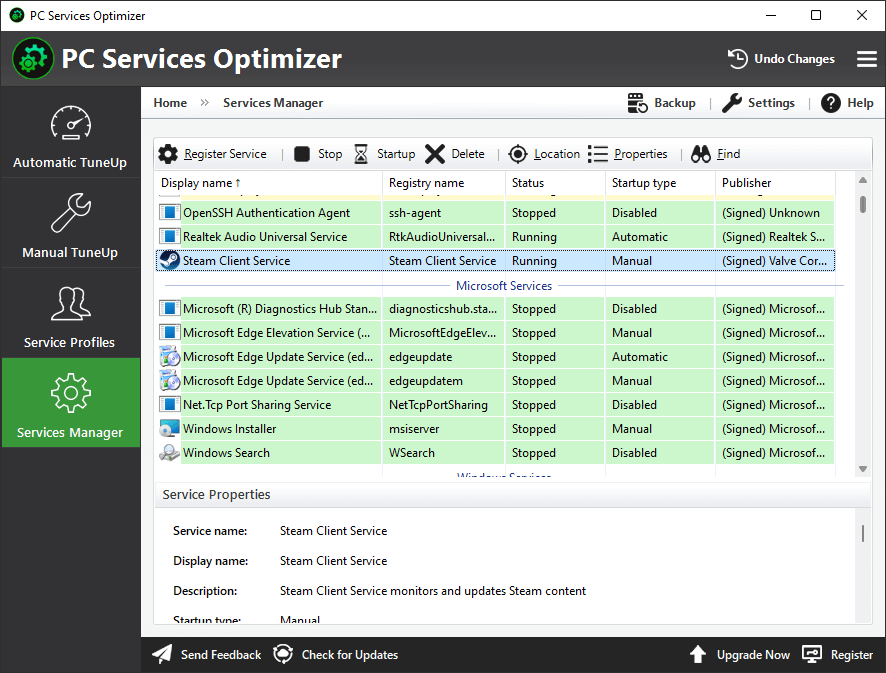
In addition to the automatic service-optimization options that benefit novices, PC Services Optimizer also offers advanced options for experienced users. These advanced options allow users to customize the services optimization process and optimize more Windows services, including third-party app services, to achieve the best performance and reliability.
PC Services Optimizer is a reliable and safe Windows optimization solution that includes a feature called Rescue Center. This feature enables users to revert changes made by PC Services Optimizer or other software to the Windows services configuration.
PC Services Optimizer
FREE
PC Services Optimizer
PROFESSIONAL
All Services Optimizer
Achieve optimal performance and reliability by optimizing all Windows services with Manual Tune-Up.
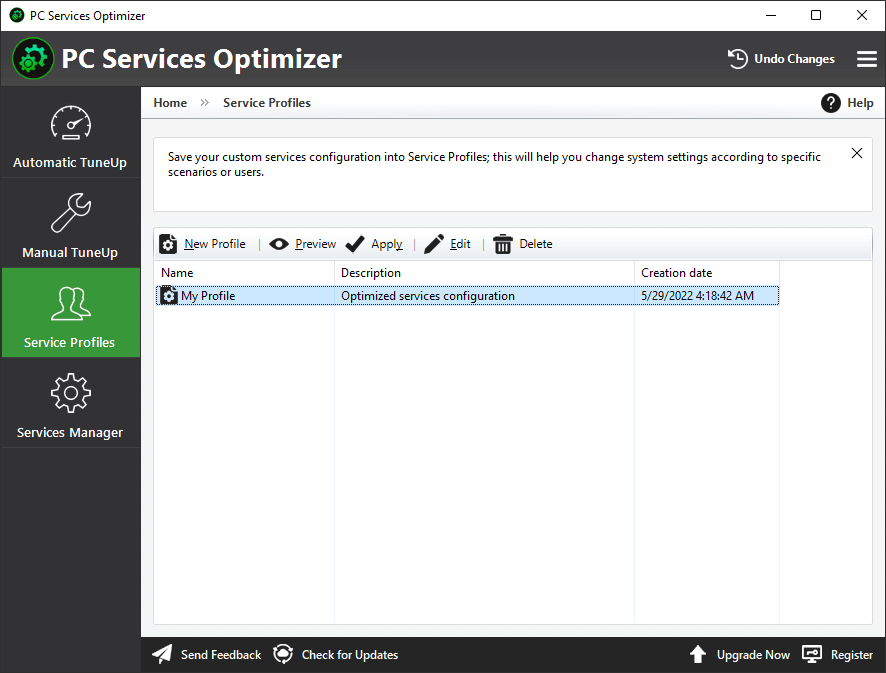
Service Profiles
Save your tune-up settings in profiles to customize PC configurations for specific scenarios.
Automatic Updates
Automatically receive new updates that bring additional optimizations, improvements, and bug fixes.
7x24 Premium Support
A knowledgeable team is available to assist you through email response within 24 hours.

|
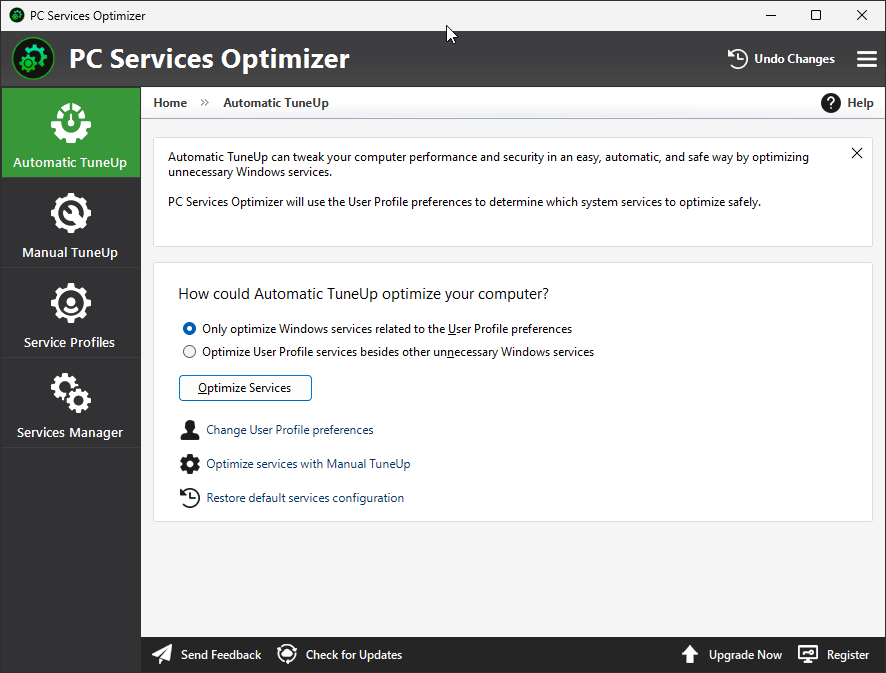
PC Services Optimizer can tweak Windows services with a single click. It stops/disables unwanted services that slow down your computer. In addition to automatic services tuneup, PC Services Optimizer also provides experienced users with the necessary tools to customize the optimization process of Windows services. |

|
PC Services Optimizer is a software solution that is aimed at both beginners and experienced users, offering them an impressive lineup of tools designed to improve the overall Windows performance. All in all, PC Services Optimizer is a must-try, especially considering the fact that it could boost computer performance significantly. |
Products
Support
Company
Email Newsletter
Follow Us